

What Verified means
A verified storefront has been confirmed by an organiser or by HobbyLux. It shows the badge “Verified” on hobbylux.app, so visitors trust what they see.
Visitors also read who verified you: “Verified by the organiser of …” with the market, or “Verified by HobbyLux”, and since when you are on HobbyLux.
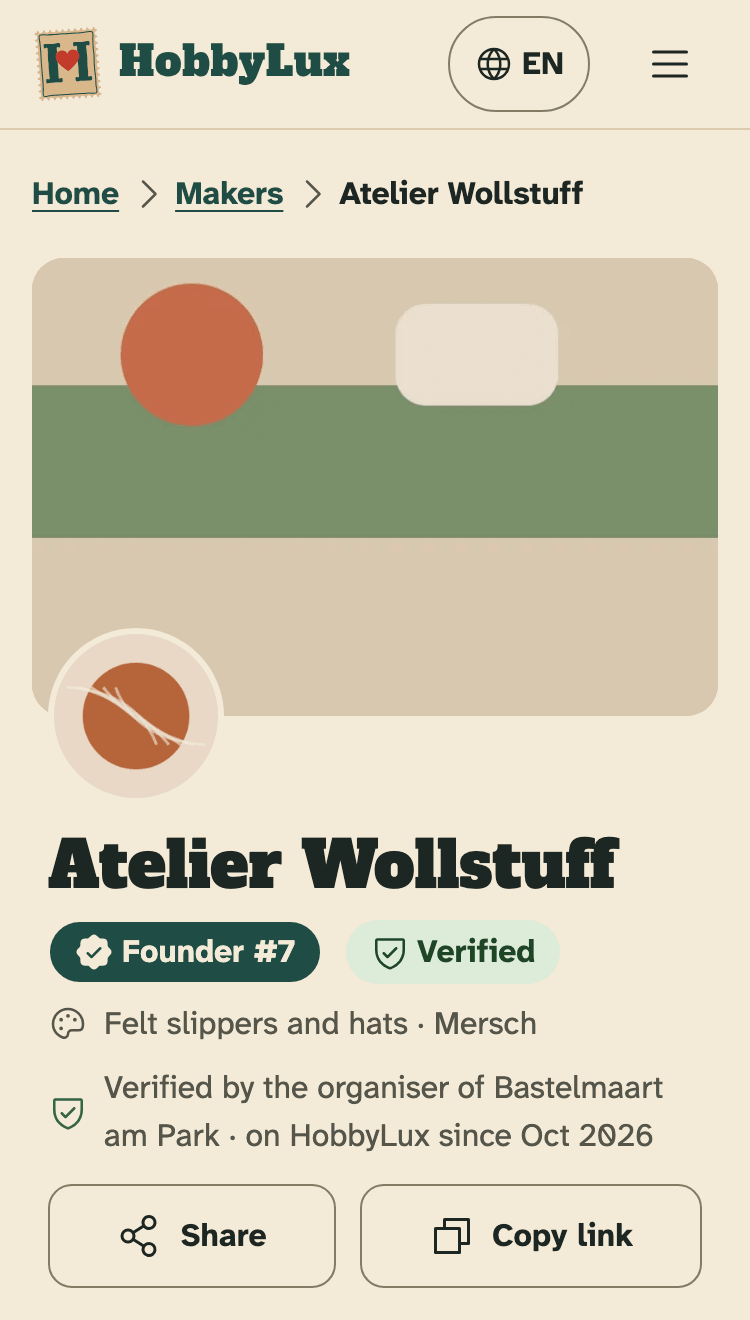
- The Verified badge.
- Who verified it, and since when the maker is on HobbyLux.
Not verified yet
A storefront you build yourself starts as “Not verified yet”. The overview shows it at the top, with your storefront name.
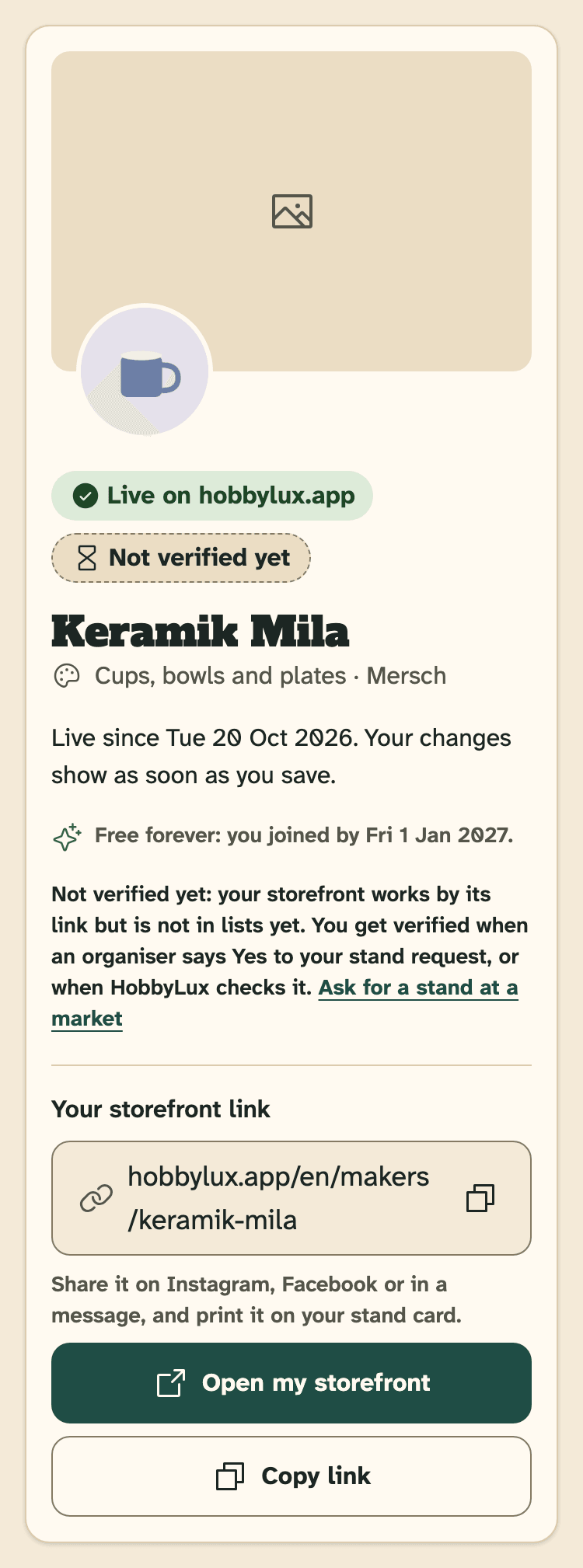
- Not verified yet.
- Ask for a stand at a market: a Yes verifies you.
Your storefront works by its link, so you can share it. But it is not in lists yet: not in “Our makers”, not under “Makers here” on market pages, and search engines do not show it.
How to get verified
There are two ways:
An organiser says Yes to your stand request. This verifies you at once. On a market that takes payment online, the Yes is enough: you do not need to have paid. See Ask for a stand.
Or HobbyLux checks your storefront and verifies it. To ask for a check, write to hello@hobbylux.app.
Storefronts that HobbyLux made for a maker start verified.
After you are verified
Your storefront shows in “Our makers” and under “Makers here” on the pages of your markets, and search engines can find it.
Once verified, your storefront stays verified, also when an organiser later takes back a Yes.
Still stuck? Write to hello@hobbylux.app