

Sign in with your email
New makers and makers with a storefront sign in the same way, at maker.hobbylux.app. There is no password.
- Open maker.hobbylux.app.
- Type your email under Your email.
- Press Send me a code.
- Open the email from HobbyLux. It has a 6-digit code.
- Type the code under Code from the email and press Sign in.
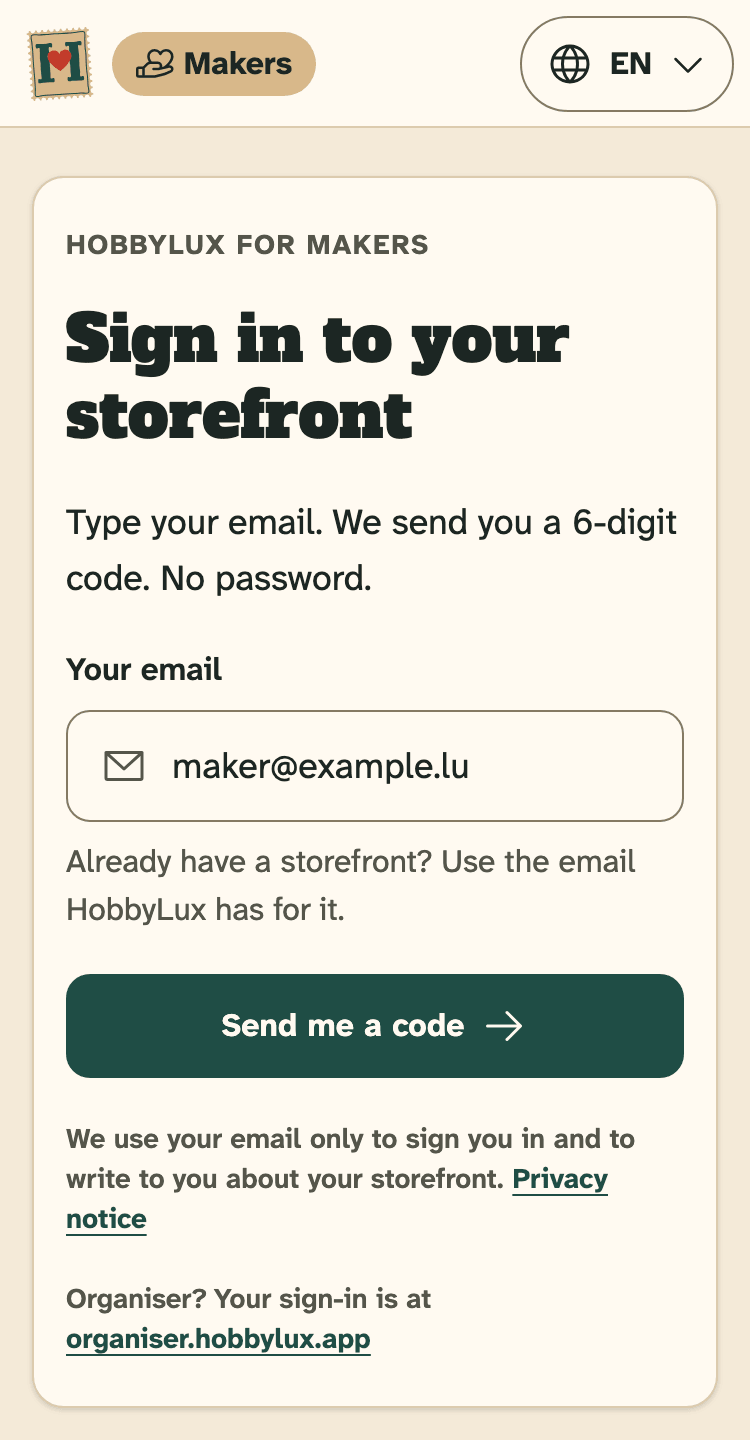
- Your email: the address you want to use for your storefront.
- Send me a code: we email you a 6-digit code.
You stay signed in on this device until you press Sign out.
We use your email only to sign you in and to write to you about your storefront. Visitors never see it.
No code in your inbox?
Look in your spam folder first. The code works for 10 minutes.
Need a new code? Wait until Send a new code can be pressed, then press it. Only the newest code works.
Typed the wrong address? Press Use another email and start again.
The 7 setup steps
After the code, the setup starts. It takes about 10 minutes. At the top you see “Step 1 of 7” and the name of the step.
- Welcome: what you need and what to know. Press Let’s start.
- House rules: read them and tick the box. Press Next: basics.
- Basics: your stand name, what you make, your town and the language of your texts.
- Photos: a profile photo of you or your hands at work. A cover photo is optional.
- First product: one photo and a name. A short text and a price if you like.
- About + links: a few lines about you and up to four links. Both are optional, so you can press Skip for now.
- Preview + Publish: check your storefront and press Publish my storefront.
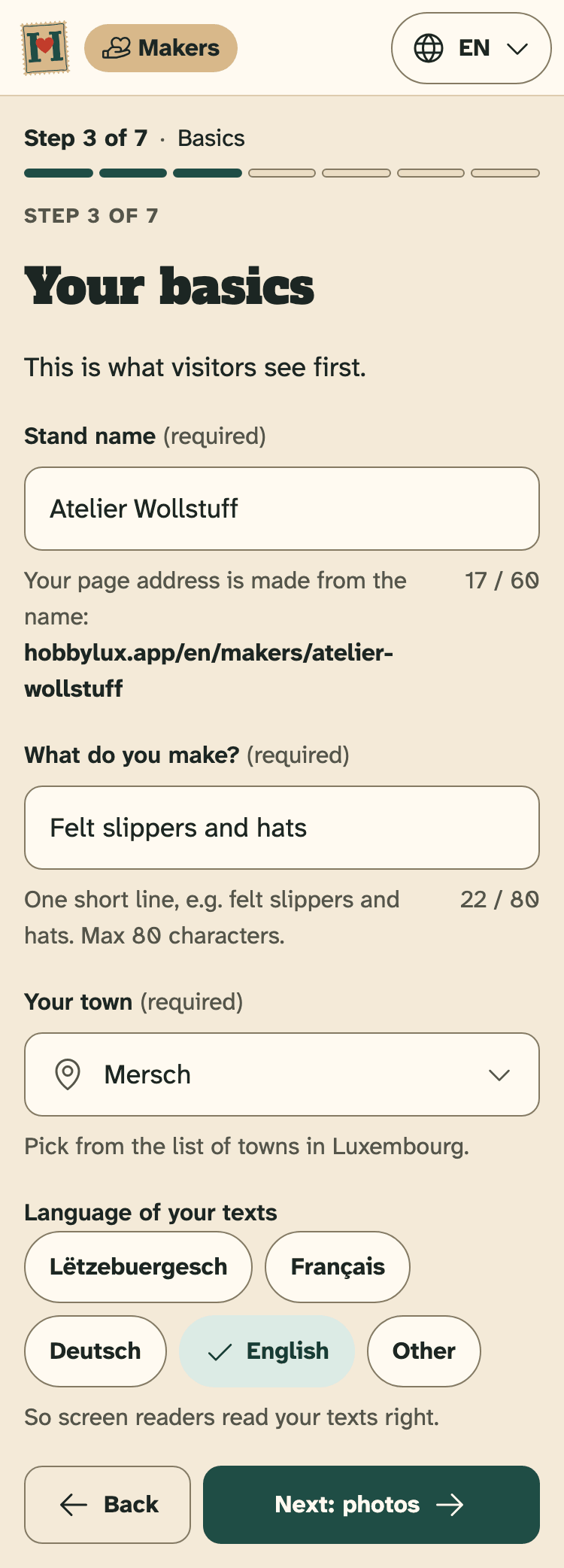
- The steps: where you are and what is done.
- Stand name: your page address is made from it.
- Next: photos saves this step and opens the next one.
Use Back to go to the step before. Nothing you typed is lost.
Have two photos ready before you start: one of you or your hands at work, and one of a thing you make. Real photos you took yourself work best.
The last step is explained in Publish your storefront.
Stop and come back later
Every step is saved on HobbyLux as you go. Press Finish later to stop. Sign in again any time, on any device, and you go on where you stopped. A “Welcome back” box shows what is already done.
A storefront you never publish is kept 90 days after your last change. Before we delete it, we send you a reminder email. The overview shows both dates.
Already have a storefront from HobbyLux?
Sign in with the email HobbyLux has for your storefront. Then your storefront opens, not a new setup.
The first time, you see the house rules once. Press Agree and open my panel. Your storefront stays live meanwhile.
Your email shows under Account. To change it, write to hello@hobbylux.app.
Delete your account
- Open Account in the menu.
- Press Delete my account…
- Tick the box to say you understand.
- Press Delete for good.
Your storefront goes off hobbylux.app at once. Your products, photos, maker file and stand requests are deleted for good. Open requests are withdrawn. This cannot be undone.
Confirmed stands stay with the organiser. If you cannot come, write to them. See Cancel a stand.
Still stuck? Write to hello@hobbylux.app