

Who can connect
In Luxembourg, online payment works for:
- a registered sole trader (Entreprise individuelle)
- a company (Société)
- a non-profit (ASBL)
A private person cannot take online payment: keep “On the day or outside HobbyLux”.
For a commune, Stripe may say no. Then keep paying on the day.
You can connect once you look after a market on HobbyLux. Without a market, the card says “You do not look after a market yet, so there is nothing to connect.”
Papers to have ready
- RCS number (an ASBL’s starts with F)
- For a club or company: its name and register number
- ID card or passport
- IBAN of the business or ASBL
You fill in your details on the page of Stripe, our payment partner. HobbyLux never sees your bank or ID details.
Connect with Stripe
- Open Account. The card “Get paid online” is at the top.
- Tap Connect with Stripe. Stripe’s page opens in the same tab.
- Fill in your details on Stripe and accept the Stripe Connected Account Agreement.
- Stripe sends you back to Account. The card shows your new status.
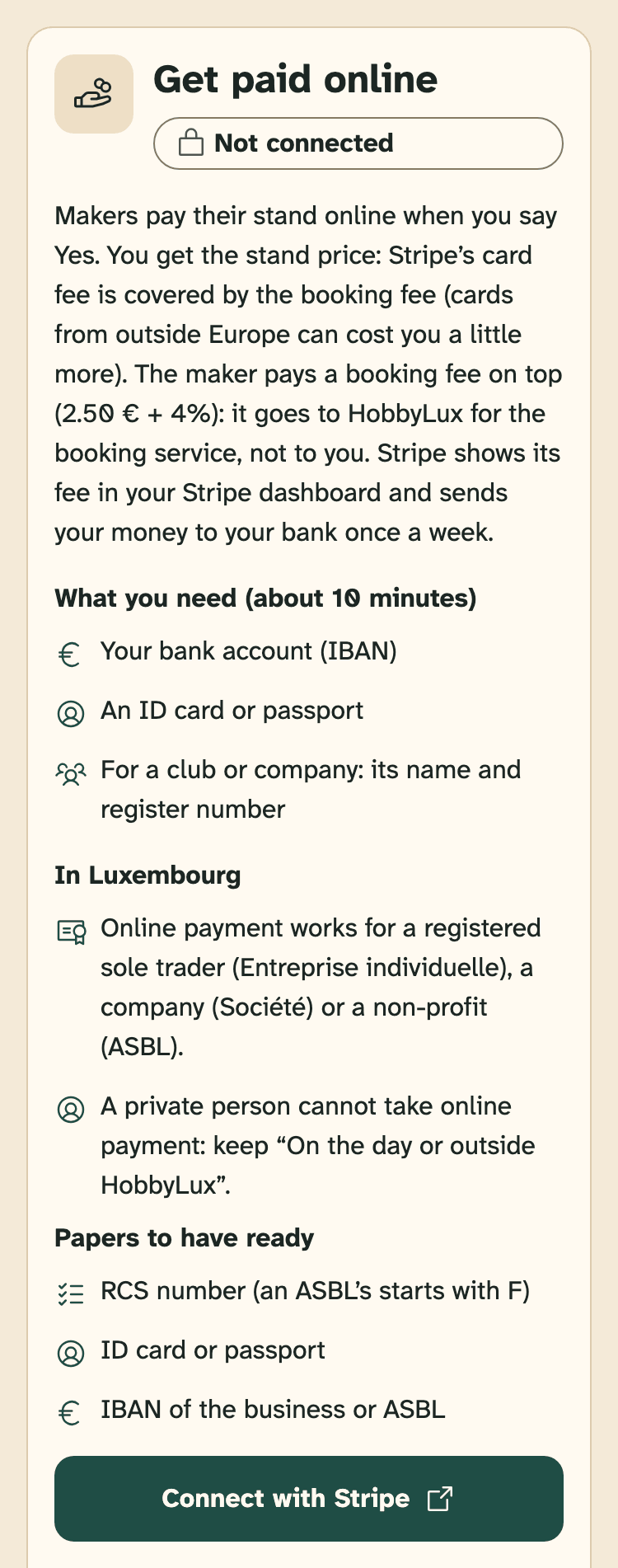
- Status: Not connected
- “In Luxembourg”: who can connect and the papers to have ready
- Connect with Stripe
Stopped half way? What you already filled in is saved. Tap Continue on Stripe to go on.
Not now? Nothing changes: makers pay you on the day or outside HobbyLux, as your payment note says.
What the status means
- Not connected: no Stripe account yet. Makers pay you on the day or outside HobbyLux.
- Stripe needs more information: Stripe still needs a few details, about 5 minutes. Tap Continue on Stripe. Stripe may give a date to send them by.
- Stripe is checking your details: you sent everything. Stripe usually checks within one working day. You get a note in your inbox when makers can pay you online.
- Ready for online payment: makers can pay online at your markets, once you turn it on for each market.
- Payments stopped: Stripe has paused payments on your account. See When Stripe pauses your payments.
Turn on online payment
Ready does not switch your markets on by itself. Turn it on for each market in My markets: open the market, pick Online with HobbyLux in “How makers pay” and tap Save.
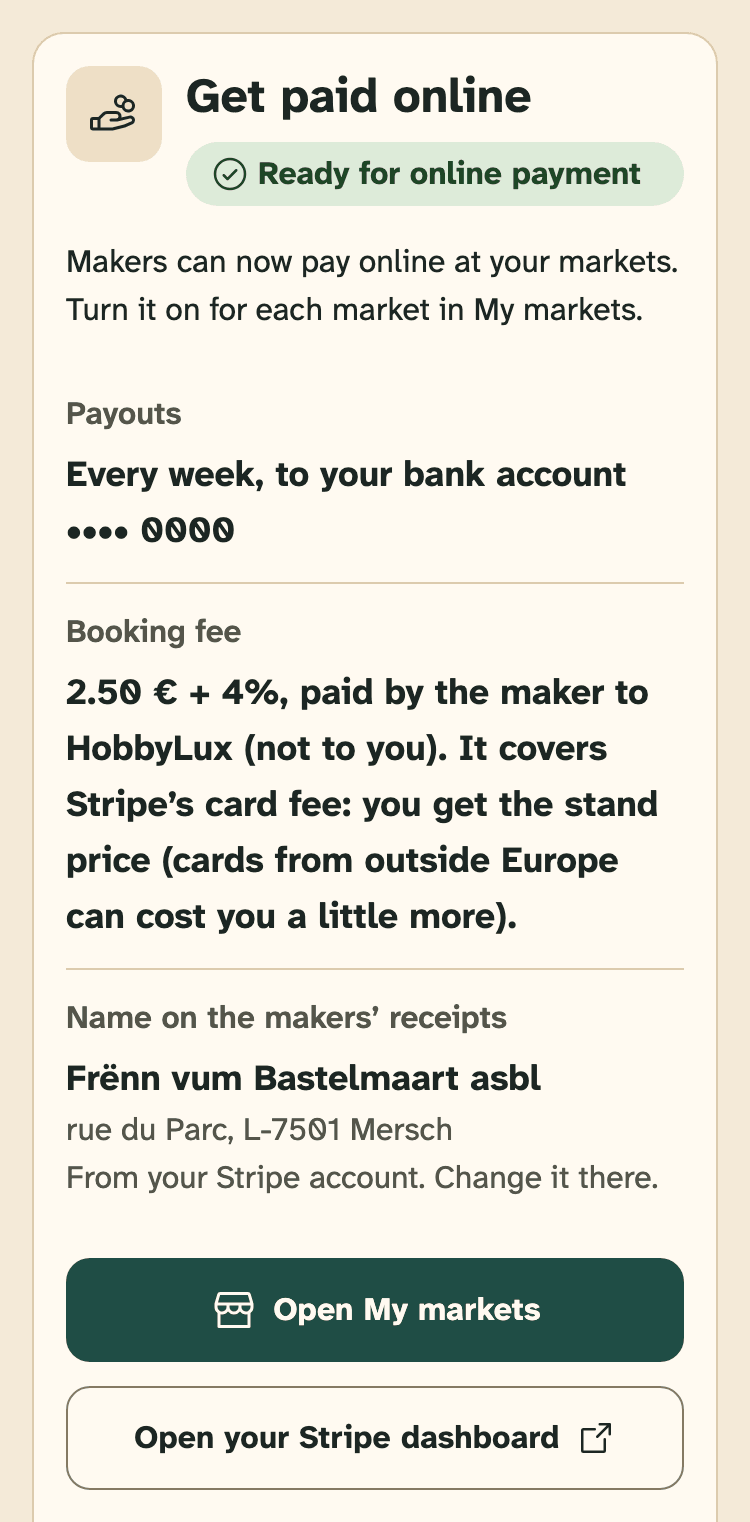
- Status: Ready for online payment
- Payouts: every week, to your bank account
- Name on the makers’ receipts, from your Stripe account
- Open My markets: turn on online payment per market
- Open your Stripe dashboard
Next: Choose how makers pay.
Your Stripe dashboard
Payouts, payments and your bank account are in your Stripe dashboard. In “Get paid online”, tap Open your Stripe dashboard. It opens in a new tab.
The name on the makers’ receipts comes from your Stripe account. Change it there.
Still stuck? Write to hello@hobbylux.app